Interview Rabbit
#1 Interview Copilot @ Lowest Price
Invisible Copilot for Interviews
#1 Interview Copilot — Ace your interviews and get Job offers, all without being detected by screen-sharing tools.
Download for Mac
Download for Windows
 Blazing fast responses
 Context aware
 Zero traces
You (Sharing screen)
Interviewer (Watching over screen share)
Seamlessly integrates with all meeting softwares
 Google Meet
 Microsoft Teams
 Zoom
 Skype
 Amazon Chime
 Code Signals
 Codility
 Hacker Earth
 Glider
 Hacker Rank
What Interview Rabbit Offers You ?
Interview smarter, not harder our AI has your back at every question.
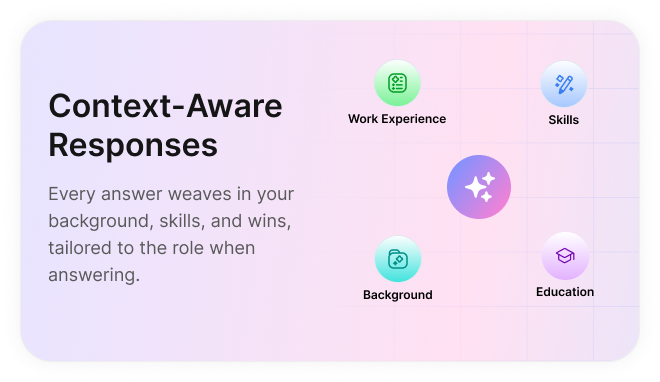
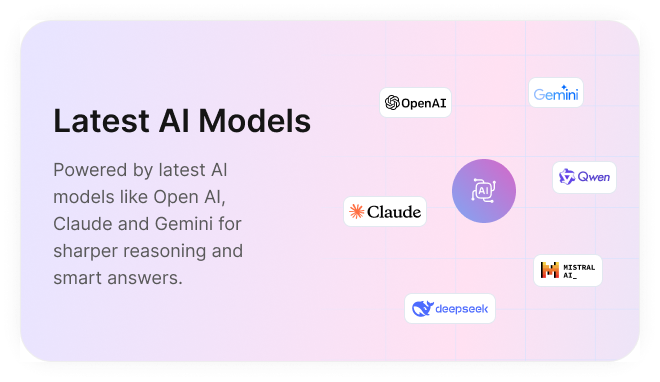
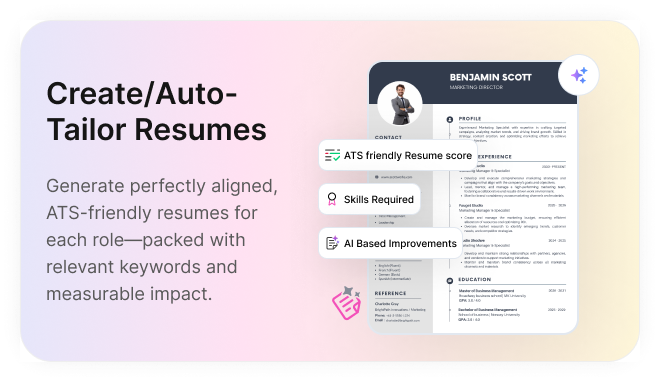
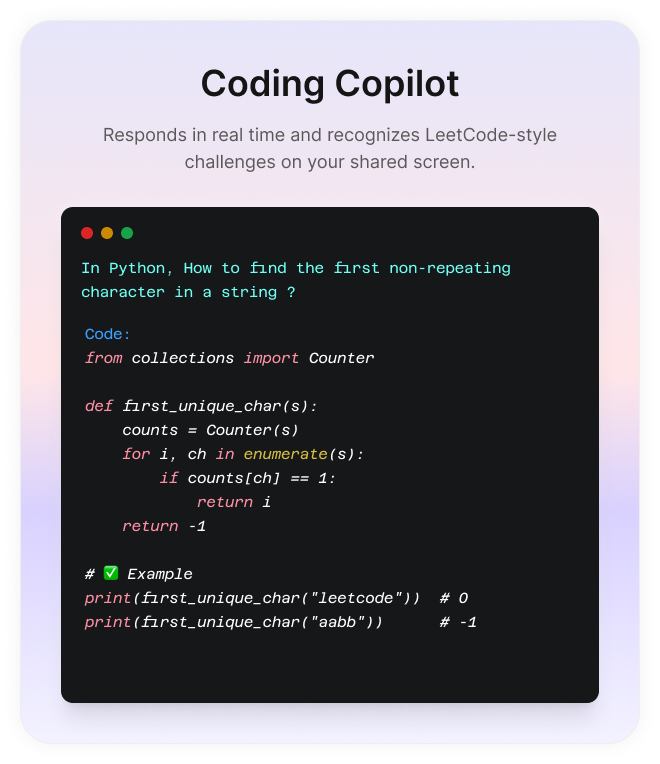
Learn what we bring to the table.
Unique Features with Interview Rabbit AI
Turn stressful interviews into confident conversations with real-time AI support.
 Intelligent Turn Taking (Questions wont Cut-Off)
Our proprietary model knows exactly when to answer questions— detecting the end of an interviewer’s turn. so you get right answers with complete context. No more half-answers.
 Responds like a Human, Not AI.
Our responses are like most human conversation like. Never sounds like a bot. Every answer feels natural and confident, leaving interviewers without a doubt.
 100% invisible during screen share
Stay invisible on Zoom, Teams, and more—our desktop app is completely undetectable during screen share, keeping your interview setup 100% private.
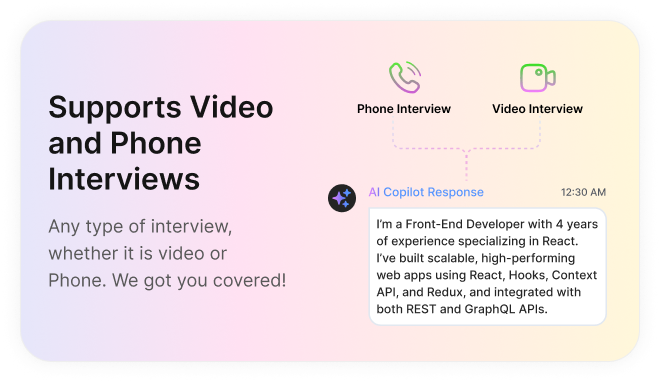
 Supports both Video and Audio Interviews
Seamless Support for Video & Phone Interviews—whatever the format, we’ve got your back. From video calls to phone interviews, you are never left alone.
AI Features
Our Secret to Staying 100% Invisible during Screen Share
Our desktop app is engineered from the ground up to remain invisible to detection. Here’s how we make that possible.
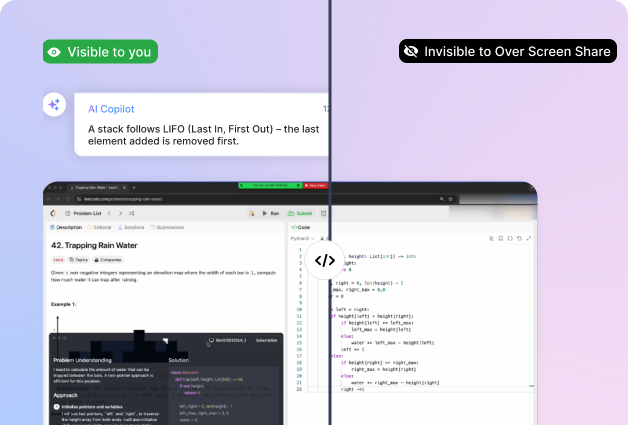

Translucent - 100% Invisible to Others
Our desktop app remains undetectable over screen share by popular video conferencing tools like Zoom, Teams and others ensuring your setup stays private during interviews.
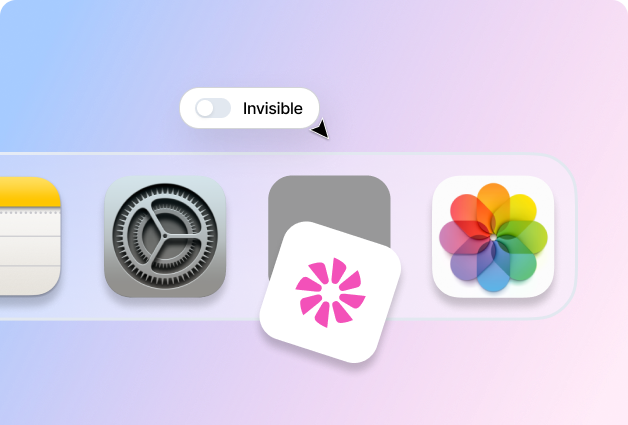
Invisible on your Task Bar / dock
The app stays active in the background without displaying any icon, allowing it to run seamlessly and perform its functions without drawing attention or taking up space on your dock.
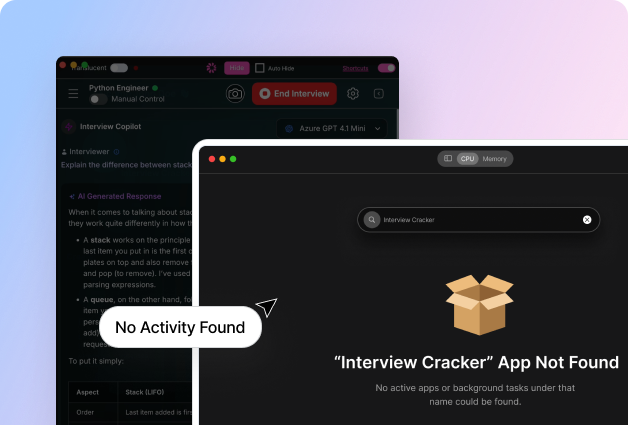
Invisibility in Task manager/Activity monitor
The app operates quietly in the background, remaining completely undetectable in your Mac’s Activity Monitor. It continues to function smoothly without drawing any attention.
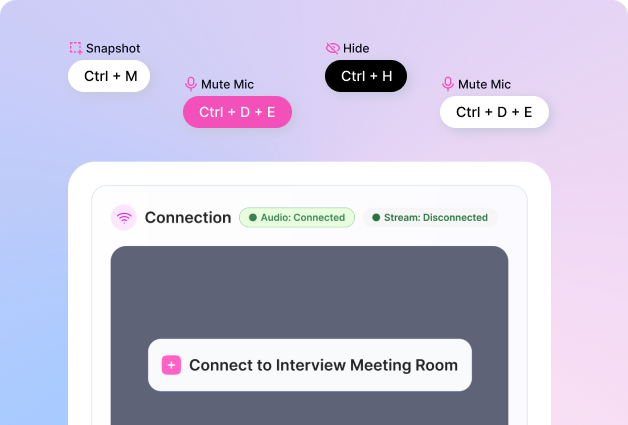

Interview Rabbit Shortcuts
Use our keyboard shortcuts to move and manage your windows seamlessly, without triggering focus detection. Apps monitoring window focus won’t catch a thing.
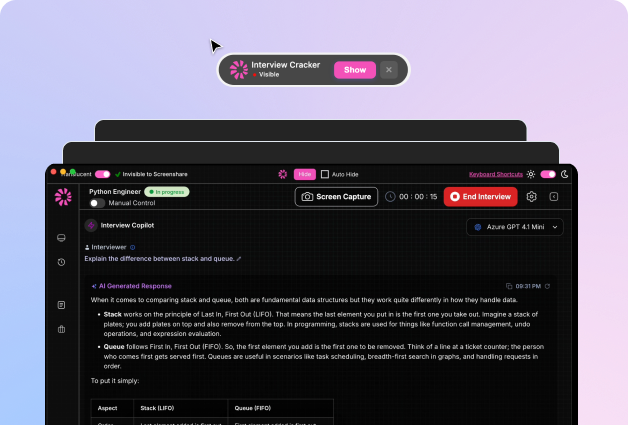

Always on Top, Yet Under the Radar
Our app stays above all other windows without ever taking focus. This means you can interact freely without tipping off any software that you're multitasking.
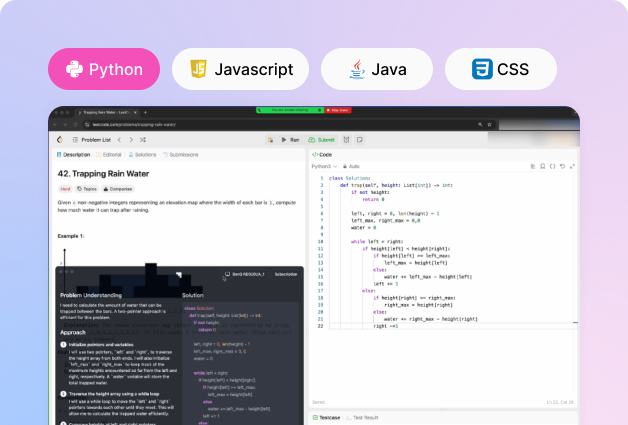

Support for Multiple Programming Languages
Ace your coding interviews with support for multiple programming languages. Work with the tools you're most comfortable using.
Don’t take our word just for it!
Real Success Stories with AI Copilot
Join thousands of professionals using AI-powered mock interviews to level up their job search. Try Interview Rabbit today!

Ask Questions
Frequently Asked Questions
Everything you need to know about Interview Rabbit and more.
What is Interview Rabbit?
Our trusted AI Interview Copilot help you ace any job interviews, craft standout resumes, and land your dream job without breaking a sweat. It is completely undetectable.
What types of interviews are supported?
We cover all formats—live video interviews, phone calls, and even online assessments—delivering tailored responses to fit every situation.
How do I stay invisible while screen sharing?
Use our Desktop App. It’s built to remain completely undetectable when you share your screen.
What exactly is the Interview Rabbit Desktop App?
The Desktop App is designed with a translucent layer, ensuring it’s 100% invisible to interviewers during screen sharing.
How is the Interview Rabbit Browser version different from the Desktop App?
The Browser version is quick and simple to start with. But if you’ll be screen sharing, the Desktop App is the better option—it’s specifically built to remain hidden.
What does the free trial include?
Our free trial unlocks limited features like AI-powered resume revisions and cover letter generation. For the Interview Copilot, you’ll get 3 sessions, each lasting up to 10 minutes.
What’s the cancellation and refund policy?
We offer a Satisfaction Guarantee. You can cancel anytime in your account or by contacting support. Access continues until the end of your billing cycle. Refunds are possible if the service hasn’t been heavily used. Requests are processed within 7–10 business days, with some exclusions for high usage.
Which industries are supported?
We serve a wide range of domains—Finance, Consulting, Marketing, Customer Success, Sales, Product Management, IT, Cybersecurity, Data Analytics, Software Engineering, and more. Our knowledge base is constantly expanding. If you’re unsure about your domain, just ask our support team.
Which online meeting platforms are compatible?
Interview Copilot works with all major platforms, including Zoom, WebEx, Microsoft Teams, Glider, Google Meet, and Chime. It also supports coding test platforms like HackerRank, HackerEarth, and CoderPad.
What are the system requirements?
Windows: Share your entire screen (with audio) or Chrome tabs. MacOS: Screen sharing is limited to Chrome tabs. For interviews, simply launch your video conference inside a Chrome tab instead of using the desktop app.